 English
 عربى
عربى Português
 Español
Desktop Water Dispensers Deliver Convenient, Filtered Water Without Heavy Bottles
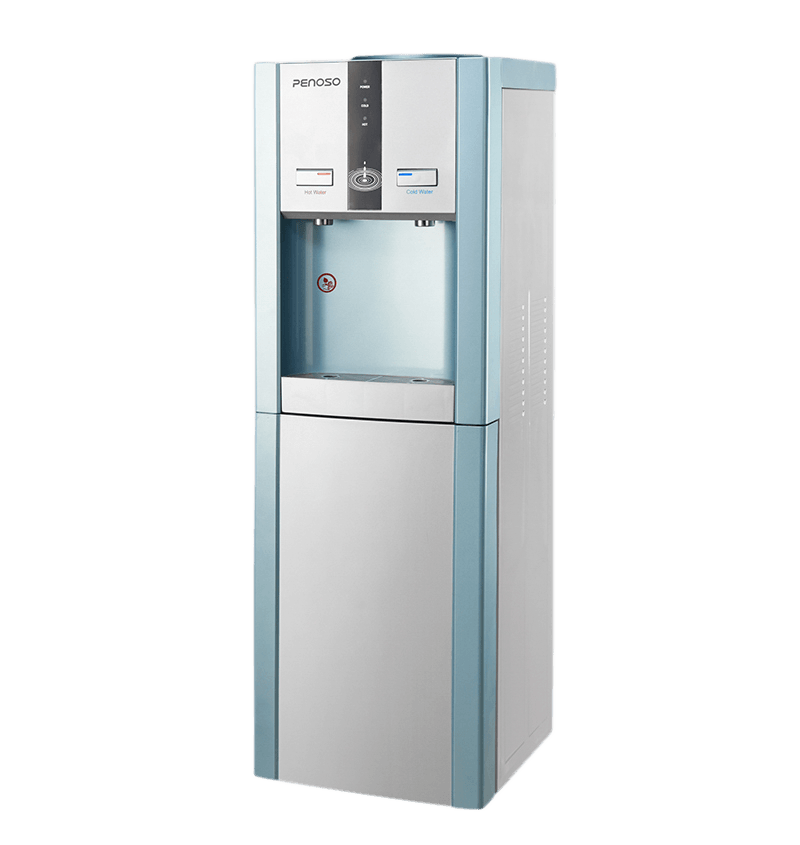
A desktop water dispenser provides instant access to hot, cold, or room-temperature water directly from your countertop, eliminating the need for heavy 5-gallon jugs and reducing plastic waste. These compact units are designed for homes and small offices, typically holding between 2 to 5 liters of water and featuring integrated filtration systems that remove chlorine, sediment, and other impurities. The latest models combine advanced filtration technologies—such as reverse osmosis, ultrafiltration, or activated carbon—with temperature control and even self-cleaning UV sterilization.
The global water dispenser market is projected to reach $10.2 billion by 2030, driven by growing health awareness and demand for convenient hydration solutions. For consumers, the choice of a desktop dispenser involves balancing capacity, filtration performance, energy consumption, and maintenance requirements. Understanding these factors ensures that the selected unit meets daily hydration needs while fitting within the available countertop space and budget.
Types of Desktop Water Dispensers
Desktop water dispensers are available in three primary configurations, each suited to different water sources and usage patterns. The table below compares the key characteristics of each type.
| Feature | Bottle-Load (Top-Loading) | Direct-Connection (POU) | Reservoir (Self-Filling) |
|---|---|---|---|
| Water source | 3–5 gallon jug | Plumbed water line | Manual fill reservoir |
| Typical capacity | 11–19 liters | Continuous | 2–5 liters |
| Filtration included | Often none | Yes (RO or carbon) | Yes (carbon or carbon block) |
| Installation | Plug and play | Professional preferred | Plug and play |
| Best for | Offices without plumbing | Homes/offices with plumbing | Small spaces, minimal demand |
Filtration Technologies Explained
The quality of water dispensed depends largely on the filtration system. Different technologies address different contaminants. Understanding these options helps in selecting a unit that addresses local water quality concerns.
Activated Carbon Block
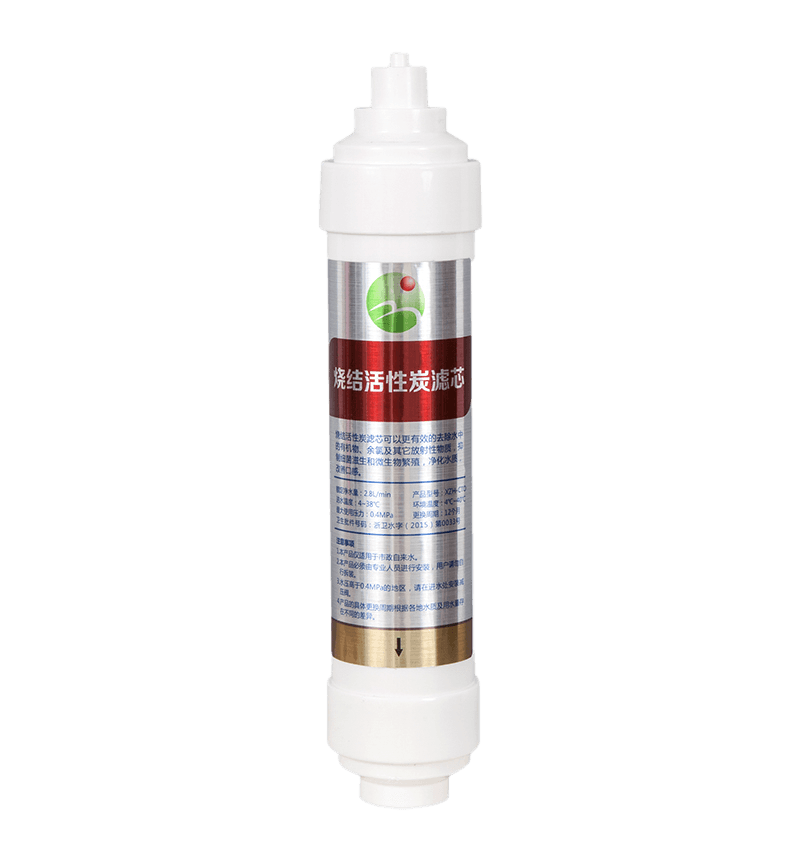
Carbon block filters are the most common in desktop dispensers. They effectively remove chlorine, sediment, and volatile organic compounds (VOCs) while improving taste and odor. The filtration pore size typically ranges from 0.5 to 5 microns. These filters have a lifespan of 3–6 months or approximately 1,000–2,000 liters, depending on water quality.
Reverse Osmosis (RO)
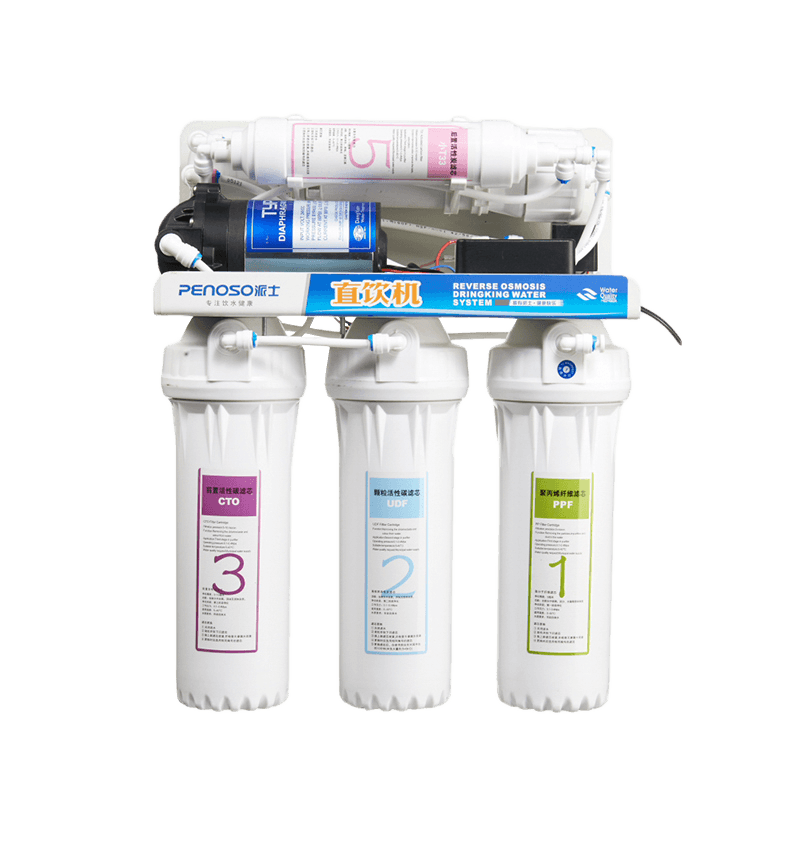
RO is the most thorough filtration method, removing up to 95–99% of total dissolved solids, including heavy metals, nitrates, and PFAS. However, RO systems produce wastewater (typically 2–4 gallons per gallon of purified water) and require a booster pump for adequate pressure. The membrane needs replacement every 2–3 years, with pre-filters replaced every 6–12 months.
Ultrafiltration (UF)
UF uses a hollow fiber membrane with a pore size of approximately 0.01–0.1 microns, which removes bacteria and particulates while retaining beneficial minerals. UF systems do not require electricity and produce no wastewater, but they do not remove dissolved salts or heavy metals.
UV Sterilization
Some models include a UV-C lamp that neutralizes bacteria and viruses in the water after filtration. The UV bulb typically lasts 8,000–10,000 hours and is activated automatically when the dispenser is in use.
Hot and Cold Temperature Capabilities
One of the primary attractions of desktop dispensers is the ability to dispense water at different temperatures. Here are the typical specifications:
- Hot water: Dispensed at temperatures from 85°C to 95°C, suitable for tea, coffee, and instant soups. The heating element typically draws 500–800 watts and can deliver approximately 4–6 cups of hot water per hour.
- Cold water: Compressor-based cooling systems chill water to 4°C–10°C, while thermoelectric (Peltier) coolers produce temperatures around 10°C–15°C. Compressor systems are more efficient but heavier and noisier; thermoelectric units are more compact and operate silently.
- Room temperature: Most units also provide unfiltered or filtered ambient water via a separate nozzle.
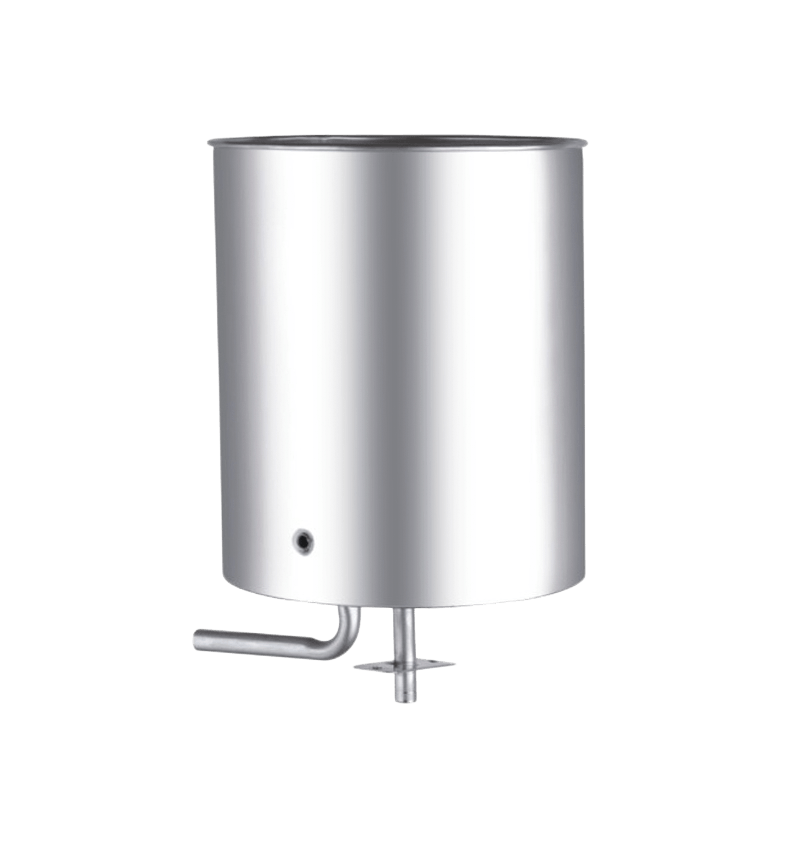
The hot water tank in a desktop dispenser typically holds 0.5–1.5 liters and maintains temperature through a thermostatic control. Users should note that the maximum hot water temperature in many residential models is capped at 85°C to prevent scalding injuries.
Energy Consumption and Efficiency
Desktop dispensers are generally energy-efficient compared to large floor-standing units, but consumption varies significantly based on cooling technology and usage patterns.
- Compressor-based (cold/hot): Consumes approximately 0.3–0.8 kWh per day, translating to about $20–$40 annually at average electricity rates.
- Thermoelectric (cold/hot): Draws 0.5–1.0 kWh per day, slightly higher due to lower cooling efficiency.
- Hot-only or cold-only models: These are significantly more efficient, using approximately 0.1–0.2 kWh per day.
To minimize energy waste, some modern dispensers include an "eco" or "sleep" mode that deactivates the heating and cooling functions during off-hours, cutting energy consumption by up to 50%.
Health and Safety Features
Safety features in modern desktop dispensers protect users from scalds and prevent bacterial growth in the water reservoir.
- Child safety lock: A push-button or lever lock on the hot water outlet prevents accidental dispensing. More than 80% of premium models now include this feature as standard.
- Anti-microbial materials: Many reservoirs are treated with silver-ion or other anti-microbial agents to inhibit biofilm formation.
- Overheat protection: Thermal cut-offs shut down the heating element if the temperature exceeds safe limits.
- Self-cleaning modes: Some units include an automatic cleaning cycle that uses ozone or UV-C to sanitize the internal plumbing system.
Maintenance Requirements and Costs
All desktop water dispensers require regular maintenance. The table below summarizes the typical maintenance tasks, frequency, and estimated costs.
| Task | Frequency | Estimated Cost |
|---|---|---|
| Carbon filter replacement | Every 3–6 months | $15–$25 |
| RO membrane replacement | Every 2–3 years | $50–$100 |
| UV bulb replacement | Every 12–18 months | $20–$35 |
| Descaling (hard water areas) | Every 3–6 months | $5–$10 (DIY) |
Countertop Space and Installation Considerations
Before purchasing a desktop dispenser, it is essential to measure available countertop space and consider the proximity to power outlets and water sources.
- Typical footprint: Units vary from small 15 cm × 15 cm models up to 35 cm × 45 cm units. The height generally ranges from 30 cm to 55 cm.
- Weight when full: A 5-liter reservoir adds approximately 5 kg (11 lb) to the unit's weight. Ensure the countertop or shelf can support the total weight.
- Noise level: Compressor-based coolers produce approximately 35–45 dB of noise, comparable to a quiet refrigerator. Thermoelectric units are virtually silent.
- Water line proximity: For direct-connection models, the plumbing connection must be within 1–2 meters of the unit.
Environmental Impact: Reducing Plastic Waste
One of the most compelling reasons to choose a desktop water dispenser is the significant reduction in plastic bottle consumption. The average American uses 167 disposable water bottles per year, and about 85% of these end up in landfills or as litter. A desktop dispenser with a reusable reservoir eliminates the need for single-use plastic bottles entirely, providing water at a fraction of the environmental cost.
For users who rely on home delivery of 5-gallon bottles, switching to a direct-connection POU unit can reduce plastic waste by approximately 40 bottles per person annually. Many municipalities now offer financial rebates or incentives for businesses that eliminate plastic water jugs, making the upfront investment more attractive.
User Reviews: What Real Buyers Say
Analysis of consumer reviews across major platforms reveals the following trends:
- Top praised features: Instant hot water availability, compact footprint, and significantly improved taste compared to tap water. Many users report reduced consumption of sugary drinks because filtered water is consistently available and appealing.
- Common complaints: Noise from compressor models, relatively high initial cost for RO systems, and the need for periodic filter replacement. Some users also note that hot water recovery time can be slow on lower-wattage models.
- Overall satisfaction: A 2024 survey indicated that 78% of desktop dispenser owners would recommend the product to a friend or colleague.
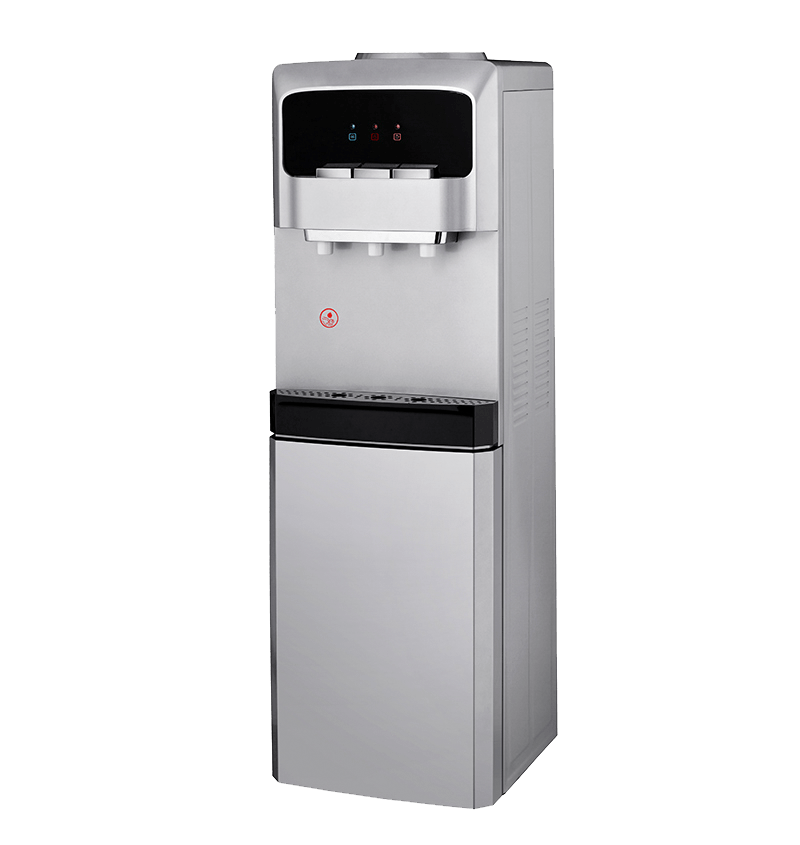
.jpg "Self Cleaning Bottom Loading Water Cooler Water Dispenser - 3 Temperature Settings PS-SLR-812B")