 English
 عربى
عربى Português
 Español
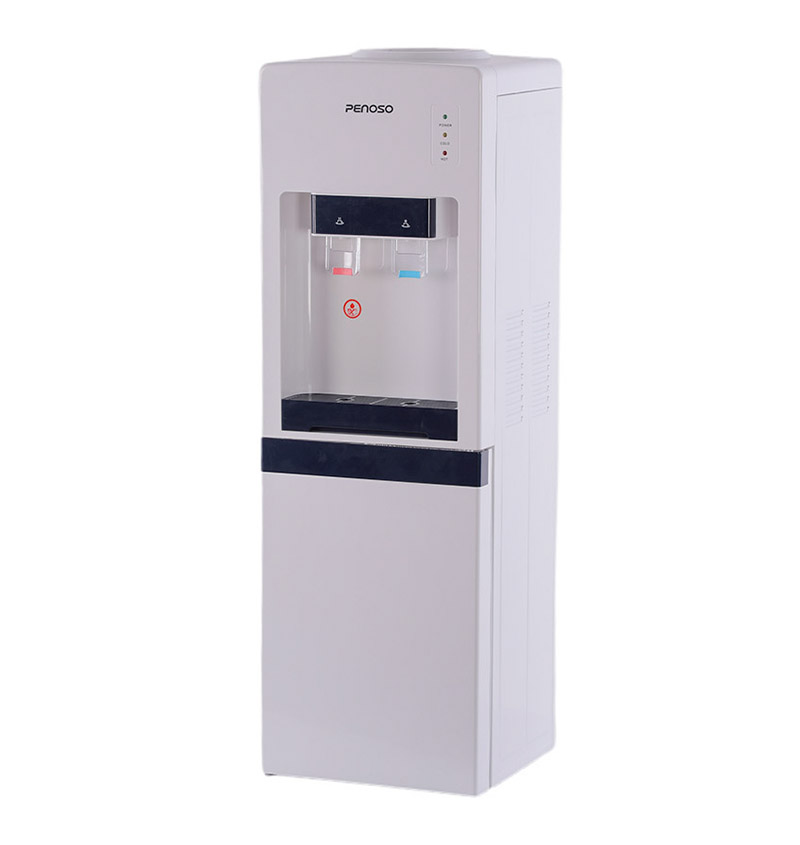
A desktop water dispenser delivers better value, more consistent water quality, and greater daily convenience than single-use bottled water or filter pitchers — especially for home offices, small workspaces, dorm rooms, and apartment kitchens where counter space is limited and hydration habits matter. That said, the right choice depends on your water source, usage volume, and whether hot or cold water access is a priority.
Desktop Water Dispenser vs. Single-Use Bottled Water: Cost and Waste
Single-use plastic water bottles remain the most common alternative to a dedicated water dispenser — convenient to grab, familiar, and widely available. But the economics are difficult to defend once you look at the numbers over any meaningful time horizon.
The average American drinks about 28 gallons of bottled water per year, according to industry data. At a typical retail price of $1.50–$2.50 per 16.9 oz bottle, that translates to roughly $300–$500 spent annually on bottled water per person. A desktop water dispenser using filtered tap water or small refillable bottles costs a fraction of that — most units consume between $15 and $40 per year in electricity, and filtration cartridge replacements typically run $20–$60 annually depending on the model.
The environmental cost compounds the financial one. Only about 29% of plastic water bottles in the U.S. are recycled, meaning the majority end up in landfills or waterways. A desktop dispenser connected to a reusable cup or bottle eliminates single-use plastic almost entirely from the daily hydration routine.
| Factor | Desktop Water Dispenser | Single-Use Bottled Water |
|---|---|---|
| Annual Cost (1 person) | $35–$100 (electricity + filter) | $300–$500 |
| Plastic Waste | Minimal | High (hundreds of bottles/yr) |
| Hot Water Access | Yes (most models) | No |
| Cold Water Access | Yes (most models) | Only if refrigerated |
| Convenience at Desk | Excellent | Moderate (requires restocking) |
| Filtration | Built-in (model dependent) | Varies by brand |
| Countertop Footprint | Small (desktop models) | None (stored separately) |
For anyone spending a significant portion of their day at a desk — whether at home or in an office — the accessibility argument for a desktop dispenser is equally compelling. Having immediate access to hot and cold water without leaving your workstation adds up in small but meaningful ways across a workday.
Desktop Water Dispenser vs. Filter Pitcher: Daily Convenience and Volume
Filter pitchers are the entry-level solution for people who want cleaner-tasting water without the cost of a full dispenser. They're inexpensive, require no electricity, and work with standard tap water. For a single-person household with modest water needs, a filter pitcher is a reasonable option.
But pitchers have real limitations that become apparent with regular use. Most pitchers hold 6–10 cups (roughly 1.5–2.5 liters) of filtered water at a time, and filtration itself is slow — filling from a standard pitcher filter takes 5–10 minutes. For a home office user making multiple cups of tea or coffee throughout the day, or a small family with heavier hydration needs, this quickly becomes a frustration.
Hot Water: The Feature That Changes Everything
A filter pitcher delivers only room-temperature or refrigerated cold water. A desktop water dispenser with hot water capability eliminates the need for a separate electric kettle — providing water at 85–100°C (185–212°F) instantly, which is ideal for tea, instant coffee, oatmeal, or cup noodles at a desk. For remote workers who consume multiple hot beverages daily, this single feature alone often justifies the switch.
Desktop dispensers also tend to use more advanced filtration. Many models incorporate multi-stage systems combining sediment pre-filters, activated carbon blocks, and in some cases UV sterilization — providing meaningfully better contaminant reduction than most pitcher filters, which primarily address chlorine taste and some heavy metals.
| Feature | Desktop Water Dispenser | Filter Pitcher |
|---|---|---|
| Hot Water | Instant (most models) | Not available |
| Cold Water | Chilled (compressor/Peltier) | Only if refrigerated separately |
| Water Capacity | Continuous (tank or plumbed) | 1.5–2.5 liters (refill required) |
| Filtration Quality | Multi-stage (model dependent) | Basic (chlorine, some metals) |
| Upfront Cost | $60–$200+ | $20–$60 |
| Electricity Required | Yes (60–120W typical) | No |
| Desk Suitability | Excellent | Moderate (bulky, no hot water) |
Types of Desktop Water Dispensers: What the Market Actually Offers
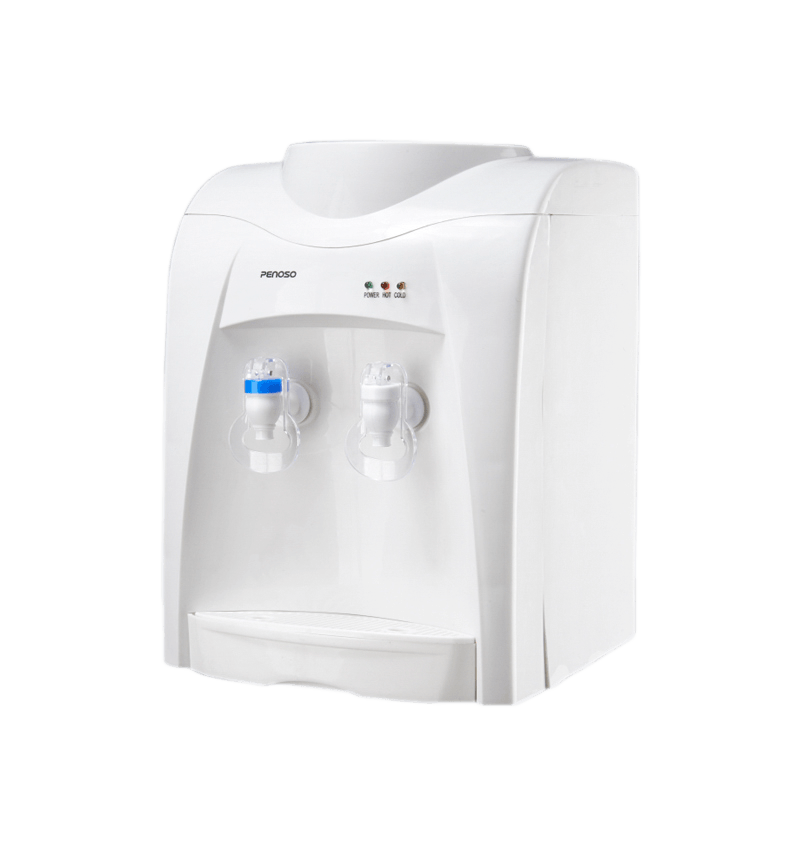
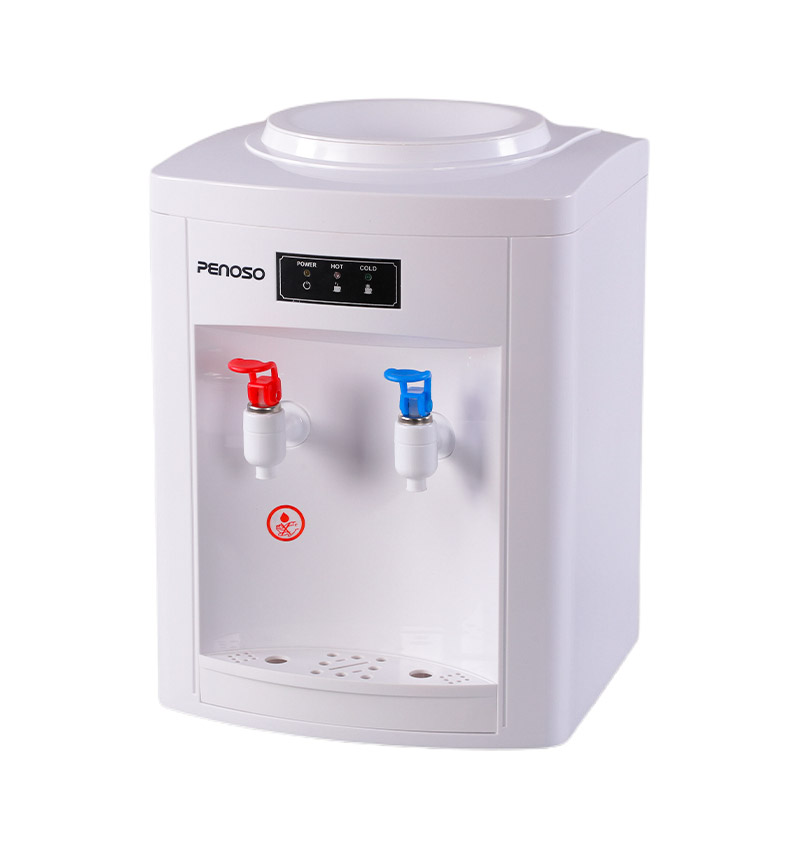
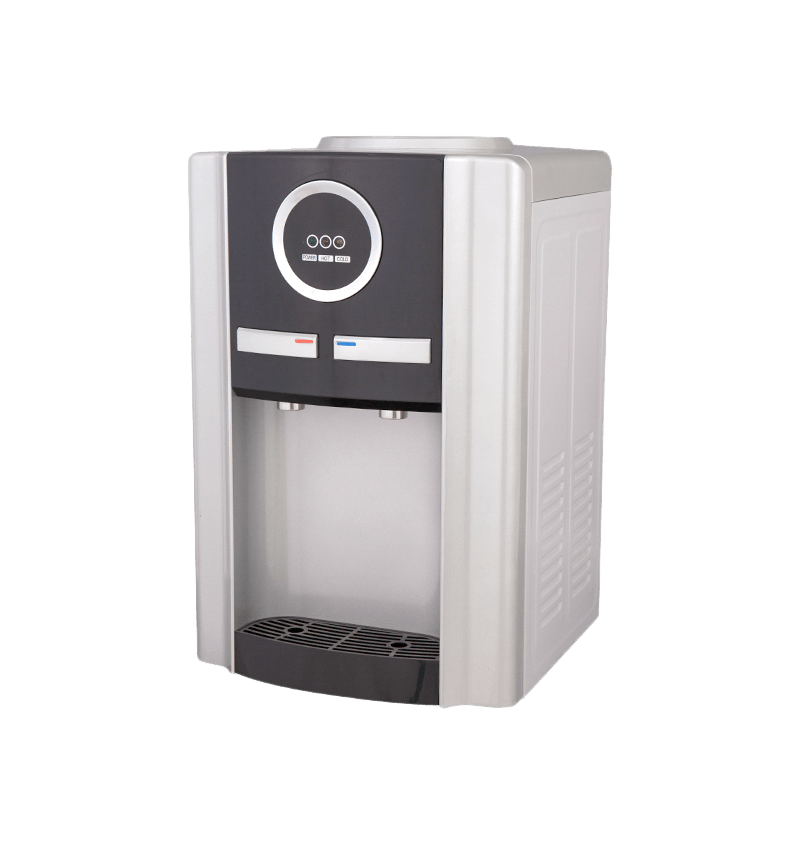
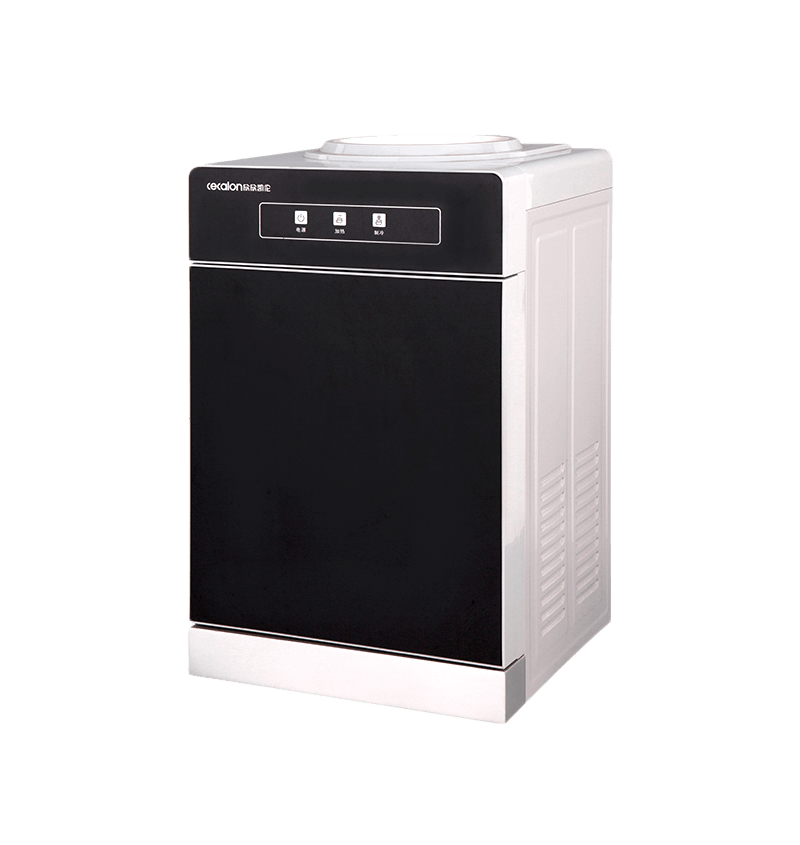
Desktop water dispensers are not a single product category. The term covers several meaningfully different product types, and choosing the wrong one for your situation is a common purchase mistake. Here's how they break down:
Countertop Bottle-Fed Dispensers
These use small 3–5 gallon water bottles (or proprietary refillable containers) placed on top of or inside the unit. They're fully self-contained, require no plumbing, and are ideal for renters or people who move frequently. The downside is ongoing bottle cost and the physical effort of replacing bottles — though smaller desktop bottles (3–5 gallon) are far more manageable than the 5-gallon jugs used by full-size office coolers.
Tank-Based Self-Filtering Dispensers
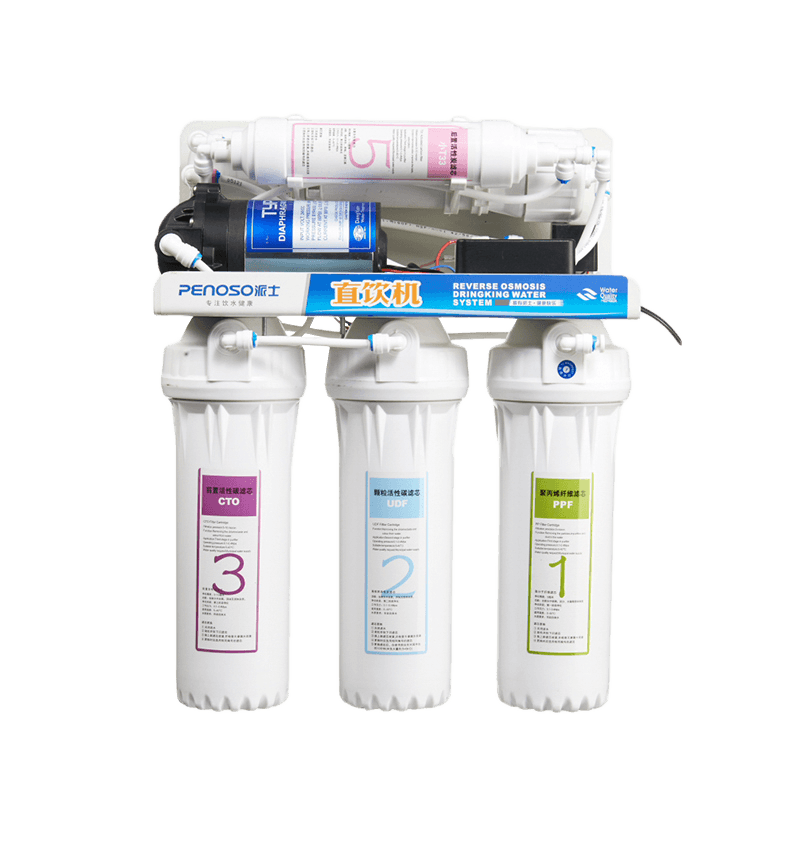
These units have an internal reservoir that you manually fill with tap water. Built-in filters — typically activated carbon and sometimes reverse osmosis — treat the water before dispensing. They're the most popular desktop option because they eliminate the need to buy or carry bottles entirely. Tank sizes typically range from 2 to 5 liters, which is sufficient for one to two people in a typical workday without refilling. Maintenance is limited to periodic filter replacement and tank cleaning.
Point-of-Use (POU) Plumbed Dispensers
Plumbed directly into a water line, POU dispensers offer unlimited water supply with no manual refilling. These are more common in commercial settings but compact desktop POU units exist for home kitchen use. Installation requires access to a cold water line — typically under the sink — and a drainage connection for some reverse osmosis models. They eliminate all consumable bottle costs and provide the most seamless long-term experience.
Filtration Technology Inside Desktop Dispensers: What Gets Removed
Not all desktop water dispensers filter equally, and the type of filtration directly affects taste, safety, and maintenance requirements. Understanding what each technology removes helps match the unit to your water quality concerns.
- Activated carbon filters are the most common in desktop units. They effectively reduce chlorine, chloramines, volatile organic compounds (VOCs), and improve taste and odor. They do not remove dissolved minerals, heavy metals like lead, or bacteria.
- Reverse osmosis (RO) membranes remove up to 99% of dissolved solids, including nitrates, fluoride, lead, arsenic, and most bacteria and viruses. RO systems produce highly purified water but generate wastewater (typically 3–4 gallons of wastewater per gallon of filtered output) and require more maintenance.
- UV sterilization uses ultraviolet light to neutralize bacteria, viruses, and other microorganisms without altering water chemistry or taste. It's increasingly common as a secondary stage in premium desktop dispensers.
- Sediment pre-filters capture particles, rust, and silt before water reaches finer filtration stages, extending the life of carbon or RO membranes and protecting the dispenser's heating and cooling components.
For most urban tap water users, an activated carbon filter in a desktop dispenser is sufficient to address taste and odor concerns. If your local water report shows elevated lead, nitrates, or microbial risk, a unit with RO or UV capability is worth the additional investment.
Desktop Water Dispenser vs. Full-Size Floor-Standing Cooler
For people who've used a traditional floor-standing water cooler — the kind with an inverted 5-gallon jug on top — the question naturally arises: why choose a desktop unit instead?
The answer largely comes down to space, usage scale, and the practicality of managing large water bottles. Full-size coolers stand 35–45 inches tall and require floor space, which makes them impractical for a home office desk setup, a dorm room, or a small apartment kitchen. They also require lifting 5-gallon jugs weighing approximately 42 lbs to load — a genuine physical burden for many users.
Desktop models, by contrast, sit directly on a countertop or desk surface, often measuring under 12 inches in width and 14 inches in height. For an individual or a two-person household, a 3–4 liter tank desktop unit covers daily needs without the bulk or the heavy lifting. Desktop dispensers are, in most residential contexts, a direct functional upgrade over floor-standing coolers — not a compromise.
| Attribute | Desktop Water Dispenser | Floor-Standing Cooler |
|---|---|---|
| Footprint | Small (countertop) | Large (floor space required) |
| Bottle Weight | None / 3–5 gallon (light) | ~42 lbs (5-gallon jug) |
| Best For | Home office, dorm, apartment | Office breakroom, larger groups |
| Daily Capacity | 2–5 liters (tank) or continuous | 18.9 liters per bottle |
| Avg. Unit Price | $60–$200 | $150–$500+ |
| Built-in Filtration | Common | Rare |
What to Look For When Buying a Desktop Water Dispenser
The market for desktop water dispensers has expanded rapidly, which is good for choice but can make comparison difficult. These are the specifications that actually matter:
- Hot water temperature range: Look for units that reach at least 90–100°C for proper tea brewing. Some budget models only reach 75–80°C, which is insufficient for certain teas and coffee. The product specs should state the output temperature clearly.
- Cold water temperature: Compressor-cooled models reach 5–10°C and perform consistently in warm rooms. Thermoelectric (Peltier) models cool to approximately 10–15°C and are quieter but less effective in ambient temperatures above 25°C.
- Tank capacity vs. plumbed: For one to two users, a 3–4 liter tank is generally sufficient for a full workday without refilling. If you consume more than 4 liters daily or share the unit with others, a plumbed or bottle-fed model prevents constant interruptions.
- Filter replacement cost and interval: The unit's upfront price is only part of the cost. A filter that costs $40 and lasts 3 months adds $160/year in ongoing costs. Confirm the replacement interval (usually measured in liters or months) and total annual filter cost before purchasing.
- Child safety lock on hot water: If children are present in the household or workspace, a hot water safety lock is a non-negotiable safety feature — not a nice-to-have.
- Energy-saving mode: A unit running 24 hours will consume more electricity than one with a programmable heating schedule or sleep mode. Models with energy-saving modes can reduce power consumption by 30–50% compared to always-on units, which adds up over a year.
Maintenance Reality: How Much Upkeep Do Desktop Dispensers Actually Require?
One concern buyers frequently raise is maintenance burden. The reality is modest for most desktop units, provided the basic schedule is followed.
- Filter replacement is the primary ongoing task — typically every 2–6 months depending on water quality and usage volume. Most units signal when replacement is due via an indicator light.
- Tank cleaning (for tank-based models) should occur every 1–3 months to prevent biofilm buildup. Most manufacturers recommend cleaning with diluted white vinegar or a provided cleaning solution, followed by a rinse cycle.
- Descaling is necessary in areas with hard water — typically every 3–6 months. Hard water deposits on heating elements reduce efficiency and eventually cause failure if left untreated. Descaling tablets or citric acid solutions are standard and inexpensive.
- Exterior wiping keeps dispensing nozzles and drip trays clean and hygienic. A weekly wipe-down with a damp cloth is sufficient for most units.
Total maintenance time across a year is roughly 1–2 hours for a typical tank-based desktop dispenser — meaningfully less than the time spent making trips to buy, carry, and dispose of bottled water over the same period.
Who Benefits Most From a Desktop Water Dispenser
Desktop water dispensers are not the right fit for every situation, but they are an excellent match for certain users and environments. The value proposition is strongest for:
- Remote workers and home office users who spend 6–10 hours per day at a desk and want immediate access to both hot and cold water without repeated kitchen trips. Studies on workplace hydration suggest that easy access to water increases daily intake by 20–30% compared to situations where water requires deliberate effort to obtain.
- Dorm room and small apartment dwellers who lack space for a full-size cooler and want filtered water without the cost of bottled options.
- Tea and coffee drinkers who currently use a separate electric kettle — a hot-water desktop dispenser consolidates both functions into a single countertop footprint.
- Small business owners and freelancers operating from home who want a professional-feeling workspace amenity without the recurring cost of a traditional office water cooler service.
- Households with older adults or anyone with physical limitations for whom carrying and lifting heavy water bottles is impractical or unsafe.